
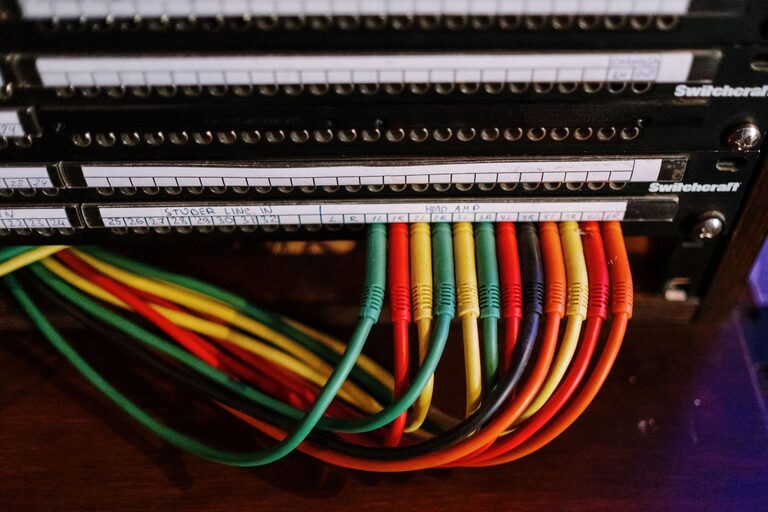
Keeping cables and chargers organized can be a challenge, especially as our number of electronic devices grows. Tangled wires and misplaced chargers not only create clutter but can also make it difficult to find what you need quickly. Fortunately, with a few simple steps and the right tools, you can keep your cables neat, accessible, and well-managed.
In this guide, we’ll explore practical ways to organize cables and chargers effectively, whether at home, in your office, or on the go.
Why Organizing Cables and Chargers Matters
Before diving into the methods, it’s helpful to understand why cable organization is important:
– Reduces clutter: Prevents messy piles of cords.
– Saves time: Makes it easier to find the right charger or cable quickly.
– Increases safety: Avoids tripping hazards and reduces the risk of damaged cords.
– Extends cable life: Proper storage prevents bending and fraying.
Now let’s explore how you can achieve a neat cable system.
Step 1: Gather and Sort Your Cables
Start by collecting all your cables and chargers from around your space. This includes:
– Phone chargers
– Laptop power cords
– USB cables
– Headphones and earbuds cords
– Extension cords and power strips
Once gathered, sort them into categories based on their type and function. For example:
– Charging cables (phone, tablet, etc.)
– Data cables (USB, HDMI, etc.)
– Power cords
– Audio cables
Sorting helps you see what you have and identify duplicates or cables you no longer need.
Step 2: Declutter and Dispose
While sorting, take the opportunity to declutter. Ask yourself:
– Do I still use this cable or charger?
– Is it compatible with my current devices?
– Is it damaged or frayed?
If you find cables that are broken or obsolete, recycle or dispose of them responsibly. Keeping only the cables you use reduces clutter and makes organizing easier.
Step 3: Choose the Right Storage Solutions
There’s no one-size-fits-all solution, but here are some popular options to keep cables neat:
Cable Ties and Velcro Straps
Use reusable cable ties or Velcro straps to bundle cables individually. This prevents tangling and keeps each cable compact.
Cable Organizers and Boxes
Cable organizers come in various designs, such as:
– Boxes with compartments for chargers and cords
– Pouches with elastic loops
– Cable reels or spools
These keep cables separated and protected, especially useful for home or travel use.
Drawer Dividers and Small Bins
If you store cables in drawers, use dividers or small bins to separate types. Label each section to make it easy to find what you need.
Cable Clips and Holders
These attach to desks or walls to route cables neatly while in use, preventing them from slipping or tangling.
Charging Stations
A charging station with multiple ports can reduce the number of cables spread out and provide a dedicated spot for devices.
Step 4: Label Your Cables
Labeling cables can save time and confusion. You can use:
– Small adhesive labels
– Color-coded tape
– Labeling machines for neat printed tags
Include the device type or purpose (“Phone Charger,” “USB-C,” etc.) to quickly identify cables.
Step 5: Create a Charging and Storage Routine
Establish a consistent spot for charging and storing cables. For example:
– Use a dedicated charging station on your desk or bedside table.
– Store spare cables and chargers in labeled bins inside a drawer or shelf.
– Coil cables neatly before storing to maintain shape.
Routine care prevents cables from ending up in random places and keeps your space tidy.
Additional Tips for Cable Organization
– Use the right cable length: Opt for shorter cables whenever possible to reduce excess wire.
– Avoid tight bends: Gently coil cables or use cable spools to prevent damage.
– Keep power strips accessible: Place them in convenient locations to reduce stretching and tangled cords.
– Store cables for travel separately: Use small pouch organizers to keep your travel chargers and cables organized on the go.
Maintenance: Keep Your Cables Neat Over Time
Organization isn’t a one-time task. To maintain neat cables:
– Schedule regular checks every few months.
– Replace worn or damaged cables promptly.
– Update your system as you add or remove devices.
This simple upkeep helps keep your setup functional and tidy.
—
By following these steps, you can transform your messy cables and chargers into an orderly system that looks great and functions well. A little time and effort organizing today will save you frustration and clutter in the long run. Happy organizing!